
Technical guide
Devices and camera requirements
The app runs on iPhone. For live animal masks, the device also needs Apple’s TrueDepth front-camera system.
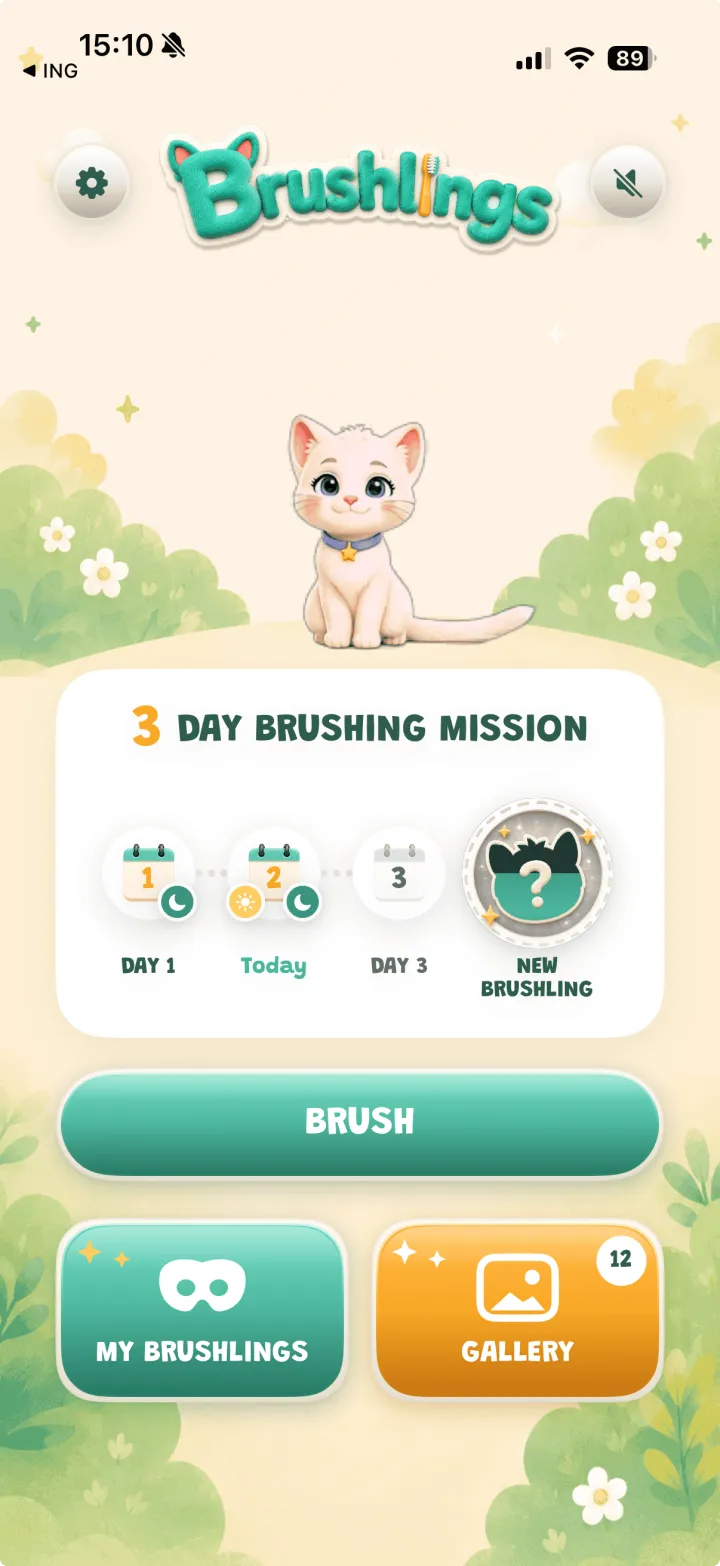
Brushlings is an iPhone app
Brushlings is available for iPhone through the Apple App Store. It is not currently offered as an Android app or as a browser-based brushing experience.
Live masks require a TrueDepth front camera
The live animal masks use Apple’s TrueDepth front-camera system. This hardware was introduced with iPhone X and is present in later Face ID iPhone models. Apple explains the underlying camera technology in its Face ID and TrueDepth documentation.
What happens on older iPhones?
On an iPhone without the required TrueDepth camera, the app can run but the live masks are not available. For the complete camera experience, use a supported Face ID iPhone.
Tips for reliable face tracking
Use even lighting, keep the face centered, and make sure the front camera is not covered. If tracking becomes stuck, close and reopen the app. Contact support with the exact iPhone model if the issue continues.
- Allow camera access when iOS asks.
- Avoid very dark rooms or strong backlighting.
- Keep the child’s full face visible to the front camera.